📖 Car Master 3D About
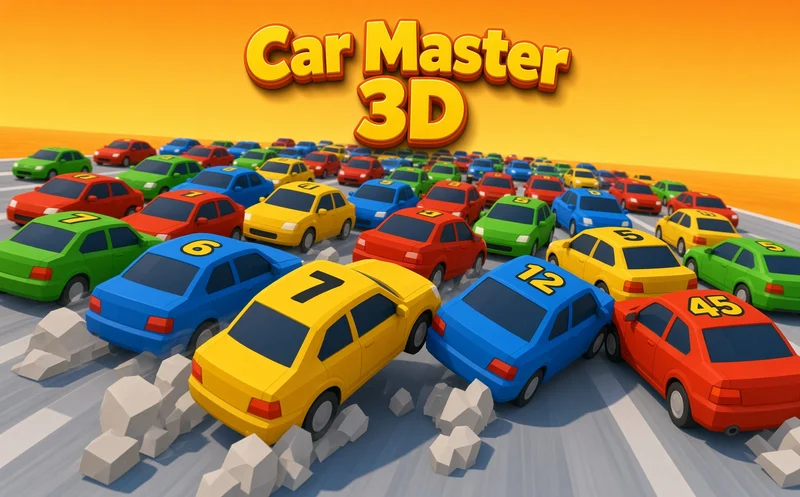
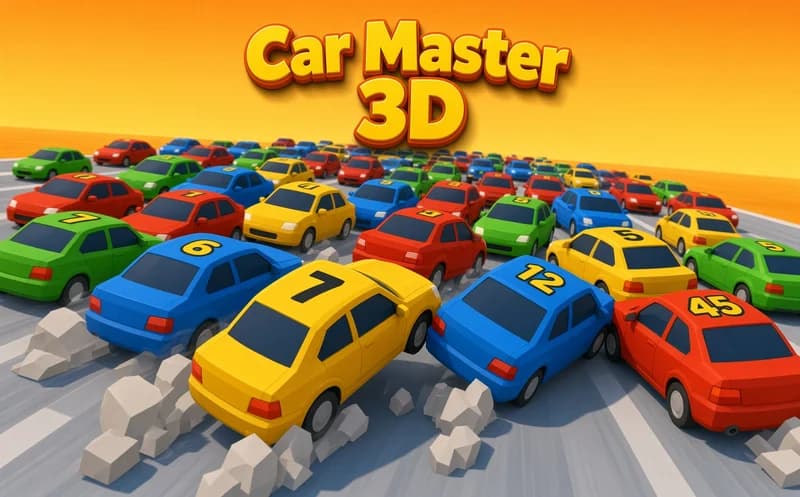
Car Master 3D is a fast car race played by swiping your finger. Each level takes a few minutes, and it plays comfortably one-handed on an upright phone screen.
About Car Master 3D
The car moves forward by itself; your job is to steer it left and right. The track has barriers, obstacles and rival cars that will not give way. If you hit an obstacle hard, your car can get thrown off the track, so you have to catch the gap at just the right moment.
With the rewards you earn from finished levels, you upgrade your car, unlock new car packs and expand your garage. A stronger car goes faster, but as the speed goes up the obstacles also come at you sooner. That is where the tension lies: the faster you go, the shorter your reaction time gets, and every lane change asks for a little more nerve.
Why do kids like this game?
The control is a single motion, so it is playable on the very first try. The exaggerated spins in crashes look funny, and every new car added to the garage becomes motivation for the next level.
Is this game safe for kids?
Yes. Crashes are shown with simplified 3D vehicles, and no character gets hurt. The game can also be played in Turkish, so you do not need a foreign language to understand the menus.
🎯 How to Play
- Start the level; your car speeds up on its own.
- Swipe the screen left to move left and right to move right.
- On a computer, drag with the mouse to make the same motion.
- Move ahead without hitting barriers or obstacles.
- Pass the rival cars through an empty lane.
- Reach the finish line and collect your reward.
- Upgrade your car with the rewards and unlock new car packs.
⌨️ Controls
💻 PC
📱 Mobile
💡 Tips & Tricks
- Make small swipes: a long drag of your finger throws the car around too much, so change lanes with short movements.
- Wait in the middle: the middle of the track lets you dodge quickly to either side.
- Do not sit behind a rival: the car ahead can hide an obstacle until the last moment, so pass it when you can.
- Learn the level: on a level you lost, remember where the obstacles are, and the second try goes much more smoothly.
- Try the new pack: different cars go at different speeds, so switching cars on a hard level can change the balance.