📖 Wheel Quest About
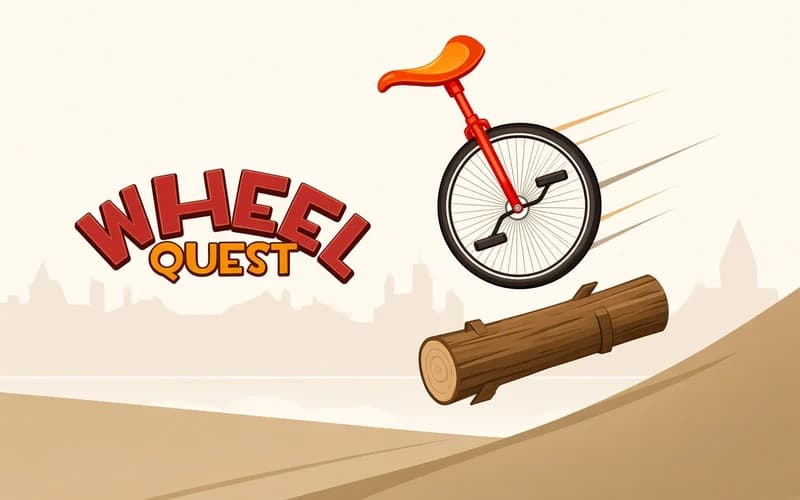
One wheel, two keys and a slowly rising heartbeat. Wheel Quest is an arcade balance challenge about riding a unicycle as far as you can without tipping over. It loads straight in your browser, with nothing to install.
About Wheel Quest
The setup is plain: the right arrow pedals forward, the left arrow pedals back. The difficulty starts right after that. Moving forward tips the wheel ahead of you, so you need a quick back-pedal to catch it. Overdo that correction and you fall the other way. The further you ride, the closer together these tiny adjustments come, and one bad one ends the run. Tapping in short bursts is usually safer than holding a key down.
Falling is not a punishment here, it is feedback. Every attempt shows you where you rushed, and on the next run you pass that same spot calmly. Instead of a score table the measure is distance, so the only question the game asks is how far you can get. The first few tries make a handful of metres feel hard; by your fifteenth run you clear that stretch without thinking.
Passing certain distances unlocks new unicycles. These milestones give each run a concrete target, so you are not only riding for a record but for the next wheel in the garage. A fresh unicycle is more than a skin, it makes a run feel like a clean start.
Why do kids love it?
Two keys means the whole game is understood on the first attempt. Runs are short, restarting costs nothing, and getting a few metres further each time gives a clear sense of progress. It is also easy to sit someone next to you and trade turns for the longest distance.
Is it safe?
Completely safe. The art is simple and colourful, and nothing unsettling shows up. Suitable for all ages.
🎯 How to Play
- Pedal forward: Press Right Arrow to roll the wheel ahead and gain distance.
- Pedal back: Press Left Arrow to catch the wheel when it leans too far forward.
- Tap instead of holding: Short taps keep the balance; a held key builds speed you cannot control.
- Restart after a fall: Tipping over ends the run, and a new attempt is one click away.
- Chase the milestones: Reaching set distances unlocks extra unicycles.
⌨️ Controls
💻 PC
📱 Mobile
💡 Tips & Tricks
- Short taps: Long presses build speed but wreck your balance; find a rhythm of quick taps.
- Correct early: Fix the lean the moment it starts, because a fully tipped wheel never comes back.
- Watch the overcorrection: Holding the back-pedal a beat too long throws you the other way.
- Keep a steady pace: Constant speed beats sudden bursts over long distances.
- Ride to a target: Know the next milestone and stay careful until you reach it.
⚡ Features
- Two-key control: Left and right arrows, nothing else to learn.
- Physics-based balance: The weight and momentum of the wheel are felt in every input.
- Distance-driven progress: How far you ride is the only score that counts.
- Unlockable unicycles: New wheels arrive as you clear distance milestones.
- Short runs: An attempt lasts seconds, so trying again is effortless.