Chess with a computer
📖 Chess with a computer About
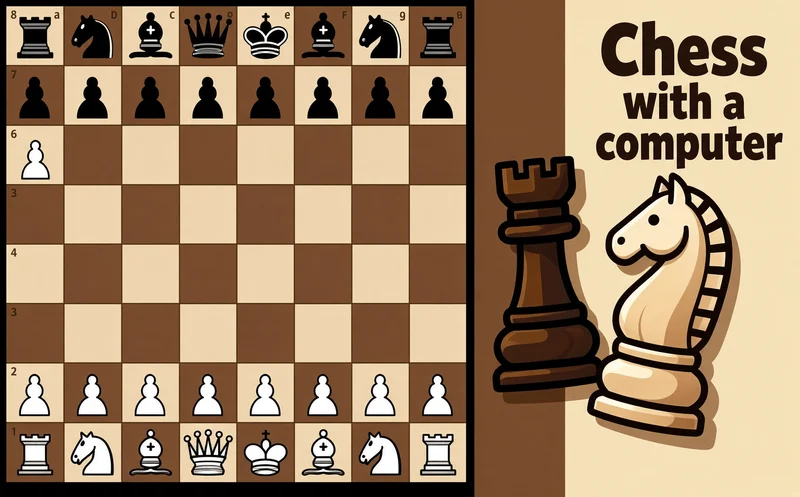
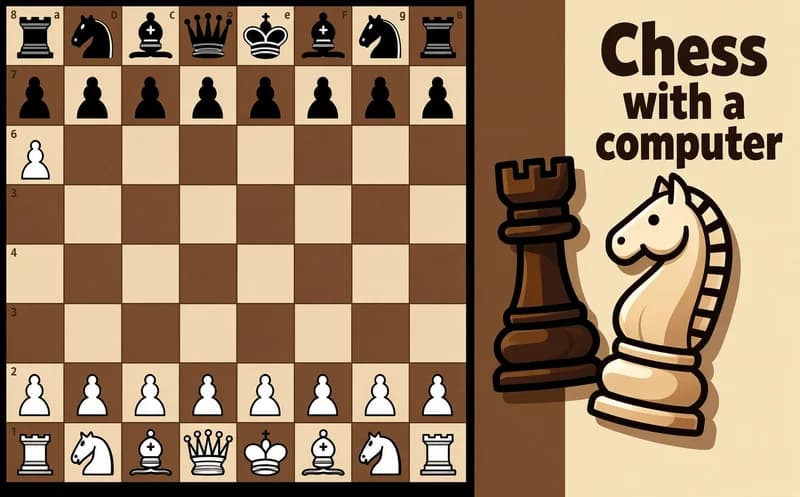
Chess with a computer is a simple chess game played by the international rules. You either sit down against the computer or share the same board with a friend next to you.
About Chess with a computer
When you play the computer, you pick from five difficulty levels. On the easiest level the opponent often loses pieces, so even someone just learning chess can win. On the higher levels, the computer notices every piece you leave unprotected.
In two-player mode you take turns making moves on the same device. The game keeps your wins and losses for each level separately, so you can see how comfortable you are on each step and decide when to move up. You can switch the background between white and black and turn the sounds on or off.
Why do kids love this game?
Getting a first win on the easy level does not take long, and that is a good reason to try the next one. Playing with a sibling or friend at the same screen is fun too. The interface can be used in Turkish.
Is this game safe for kids?
Yes. The screen only shows the board and the pieces, and you are never matched with strangers. Capturing a piece simply means it quietly leaves the board.
🎯 How to Play
- Choose the computer mode or the two-player mode from the main menu.
- If you play the computer, start with the easiest level.
- Click or tap the piece you want to move.
- Take it to the square you want; moves that break the rules are not accepted.
- Checkmate your opponent by threatening the king so it has no square to escape to.
- Once you win a level, move up to the next one.
- Check the statistics screen for your wins and losses on each level.
⌨️ Controls
💻 PC
📱 Mobile
💡 Tips & Tricks
- Hold the center: bringing your pawns and knights to the middle in the opening gives your pieces more room to move.
- Castle early: swap your king with a rook to tuck it away, because a king left in the middle is an easy target.
- Check before you move: before placing a piece, see whether your opponent can attack that square.
- Do not bring the queen out too early: a lone queen rushing forward gets chased while the opponent develops pieces.
- Do not skip levels in a hurry: win a few times in a row on one level before the next, and let the statistics guide you.
⚡ Features
- Five difficulty levels: an opponent for every player, from beginner to experienced.
- Two-player mode: take turns on the same device.
- Level statistics: wins and losses are tracked separately for each difficulty.
- Background choice: pick a white or black background.
- Sound setting: turn effects on or off with one tap.
- Classic rules: all pieces move by the international rules of chess.