What's the difference?
📖 What's the difference? About
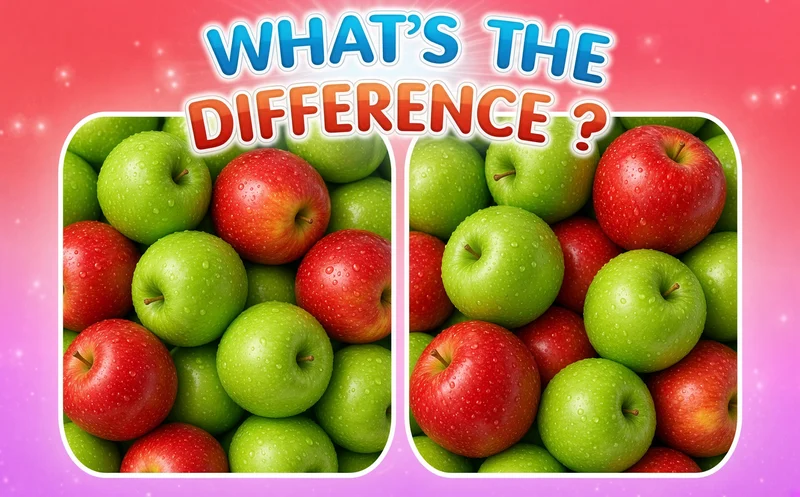
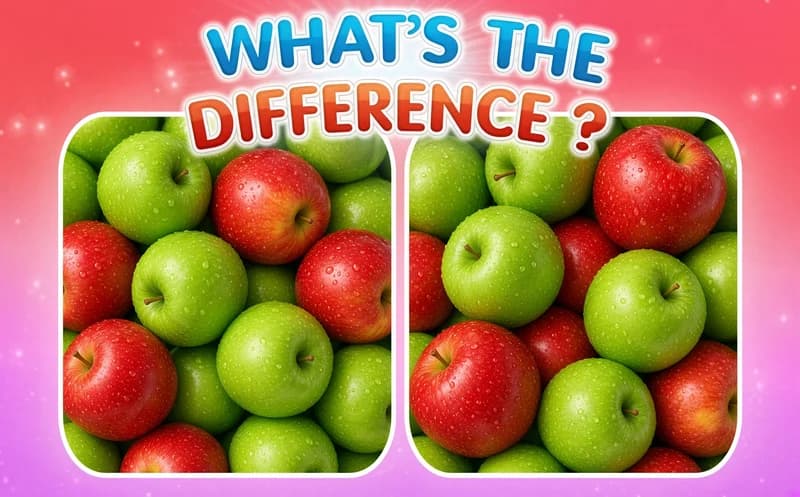
What's the difference? turns the classic spot-the-difference puzzle into a quick race. Two pictures open side by side, and rivals are trying to find the differences before you do. The game runs in your browser, no download needed.
About What's the difference?
Each level shows two pictures that look the same at first glance: animals, sweets, nature scenes, room interiors. In one a flower may have changed color, in the other a window may be missing. Click or tap where you see a difference and it gets marked. To clear a level you need to find all the differences faster than your rivals, and if someone finishes before you, you lose the round.
The challenge hides in tiny details. Some differences are as subtle as the direction of a shadow or a missing line in a pattern. That is why starting from one corner and doing a systematic scan gets results much faster than looking around at random. Missions, events and weekly tournaments add extra goals between levels.
Why do kids like this game?
Catching a hidden change feels like a little discovery. The pictures are colorful and varied, so each level opens a new scene. It is also easy for family members to look at the same screen and search together.
Is this game safe for kids?
Yes. The pictures show calm subjects like animals, food and scenery. In the online mode the race is only about how fast you spot differences. The game can also be played in Turkish.
🎯 How to Play
- Start a level and let the two pictures open side by side.
- Compare the pictures and look for a spot that seems different.
- Click with the mouse or tap with your finger where you see the difference.
- When you find the right spot, a mark appears there.
- Try to find all the differences before your rivals.
- Use full screen, or zoom on a phone, for fine details.
- Finish missions and events to collect their rewards.
⌨️ Controls
💻 PC
📱 Mobile
💡 Tips & Tricks
- Split it in four: divide the picture into four parts in your head and compare each part in turn.
- Colors first: color changes catch the eye faster than shape differences.
- Do not forget the edges: differences often hide near the frame or in the corners.
- Enlarge the screen: on a small screen, go full screen so you do not miss fine details.
- Be sure: instead of clicking at random, look at both pictures once more, since finding the right spot moves you ahead faster.
⚡ Features
- Over 1000 levels: a new pair of pictures in every level.
- Varied themes: animals, sweets, nature and room interiors.
- Online race: try to beat real rivals to the differences.
- Missions and events: extra goals and rewards between levels.
- Weekly tournament: regular contests for a fresh goal.
- Easy controls: mouse on computer, touch on phone.