📖 Checkers vs Computer About
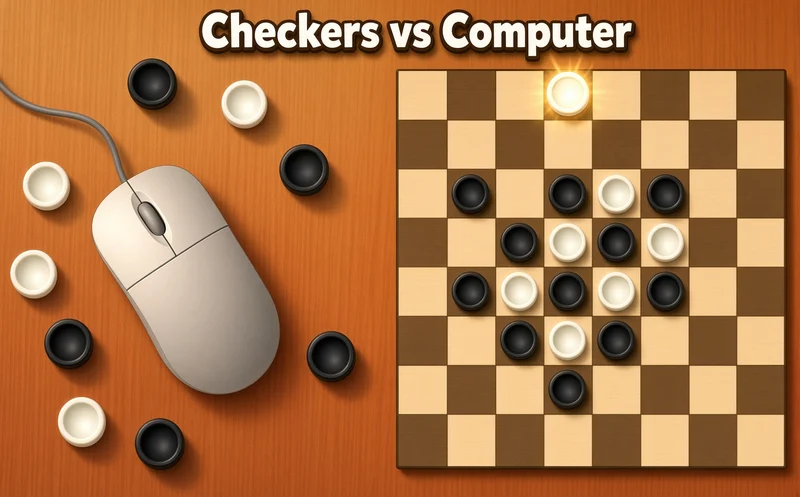
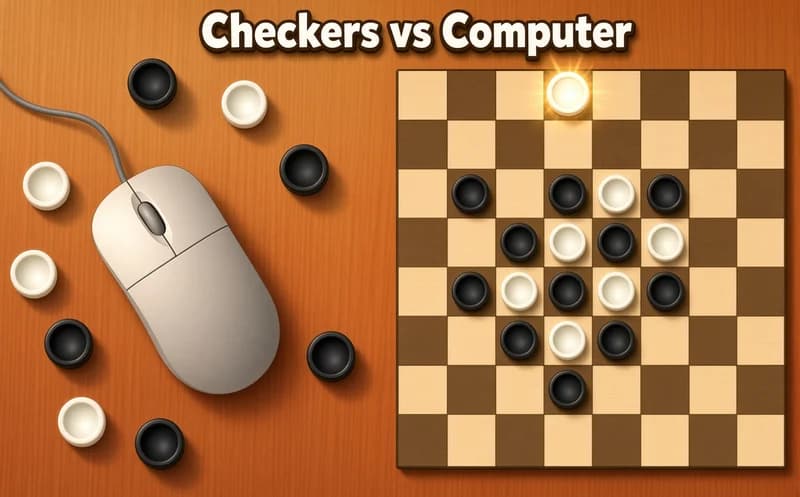
Checkers vs Computer brings the classic checkers board to your browser. You can play alone against the computer or share the same screen with someone sitting next to you.
About Checkers vs Computer
The game follows Russian draughts rules. Pieces move diagonally, and if you can capture an opponent's piece, you must do it. A piece that reaches the far row becomes a king and can travel as far as it likes along a diagonal.
The computer has five difficulty levels. On the easiest one, a beginner can win, while on the hardest the opponent uses the forced-capture rule against you to set traps. You can pick a black or white board background, and a stats screen shows your wins and losses for each level.
Why do kids love this game?
Kids who learned checkers from a grown-up at home can practice here without waiting for anyone. Beating the next level for the first time feels like real progress, because the computer truly gets tougher. The game also supports Turkish.
Is this game safe for kids?
Yes. It is just a board, pieces and simple effects. With no time pressure, a child can think through every move, which builds foresight and patience.
🎯 How to Play
- Pick the computer mode or the two-player mode from the menu.
- If you play the computer, choose a difficulty level.
- Click or tap the piece you want to move.
- Choose the diagonal square you want to go to.
- If you can capture a piece, you must, and the game shows you which.
- Get your piece to the far row to make a king.
- Whoever captures all the opponent's pieces or leaves them with no moves wins.
⌨️ Controls
💻 PC
📱 Mobile
💡 Tips & Tricks
- Love the edge: a piece on the edge cannot be captured from the side, so retreat there when you are squeezed.
- Keep your back row: while your back pieces stay home, the opponent cannot easily get a king.
- Think about forced captures: sacrifice one piece to force a capture, then follow up with a double jump.
- Move in pairs: a lone piece is easy prey, so advance in small groups.
- Climb the levels: start easy and move up after each win. That is how you get to know the computer's traps.
⚡ Features
- Five levels: a computer opponent you can tune from beginner to master.
- Two-player mode: take turns on the same device.
- Russian draughts rules: forced capture and a long-range king.
- Stats: wins and losses are kept for each level.
- Board color: choose a black or white background.
- Turkish interface: menus appear in Turkish.