Granny Horror 2
📖 Granny Horror 2 About
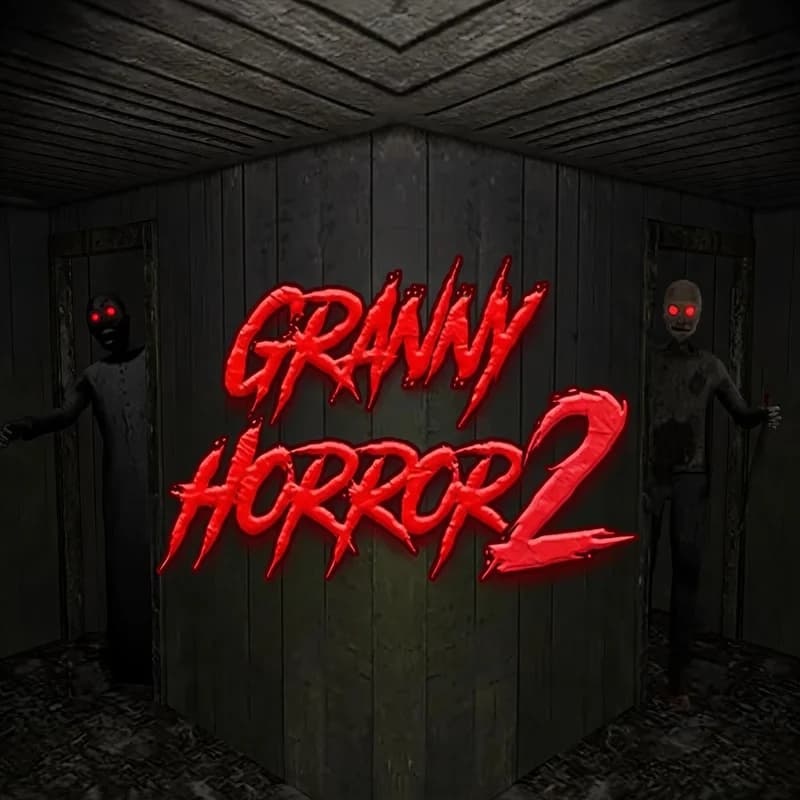
A locked house, a ticking clock and two very alert guards. Granny Horror 2 is a tense escape game where you search room after room for the right items and finally open the front door. It runs safely in your browser with no setup.
What kind of game is Granny Horror 2?
You move freely through the house. Open drawers, look under cupboards and pick up the key, hammer and pliers you need. Every piece brings you closer to the code on the door. The house is not empty though: Granny walks with her stick, Grandpa carries his rake, and both head toward any noise. Getting caught drains your energy and sends you back to the start of the attempt.
You set the pressure yourself. Practice mode lets you learn the map calmly, while Easy, Normal and Hard make the guards react much faster. Darker mode dims the lights so far that you navigate by sound. That is why no attempt plays out like the last one.
Why kids enjoy it
The thrill is real, but the job is basically solving a puzzle. Planning where to hide and which tool fits which door feels clever. Clearing a room without being spotted lands like a small victory.
Is Granny Horror 2 safe for kids?
The tone is suspenseful rather than frightening. There is no blood and no sudden shock scene; everything rests on hiding, searching and timing. Younger players who dislike dark rooms get an easier start in Practice mode.
More Adventure Games
If puzzles and hidden passages are your thing, these two deliver a similar escape feeling.
- Skullboy Master — Guide a little skull character out of a maze packed with traps.
- Fireboy and Watergirl 6 — Control two characters together, collect the gems and find the exit.
🎯 How to Play
- Pick a difficulty: Start in Practice mode so you can learn the layout without pressure.
- Sweep the rooms: Walk with W A S D and look around with the mouse.
- Grab the items: Press E on drawers and cupboards to pocket the key, hammer and pliers.
- Hide fast: When you hear footsteps, slip under a bed or into a wardrobe until the guard moves away.
- Combine the clues: Note the numbers on walls and papers, then build the door code from them.
- Open the door: Enter the code, step through the front door and finish the level.
⌨️ Controls
💻 PC
📱 Mobile
💡 Tips & Tricks
- Clear the ground floor first: Items near the starting room are the safest, so save the upper floors for later.
- Move quietly: Running attracts attention, so walk whenever a guard is close.
- Plan two exits: Before entering a room, spot a second door or window you can escape through.
- Write the numbers down: Keeping clues on paper saves you time at the code screen.
- Grandpa hits harder: If you run into him, hide immediately instead of trying to outrun him.
⚡ Features
- Five difficulty modes: Choose between Practice, Easy, Normal, Hard and Extreme.
- Darker mode: Lights drop low and sound becomes your main guide.
- Two guards: Granny and Grandpa patrol at different speeds along different routes.
- Items and codes: Tools open doors while clues unlock the final combination.
- Nothing to install: Runs in the browser on desktop and mobile.