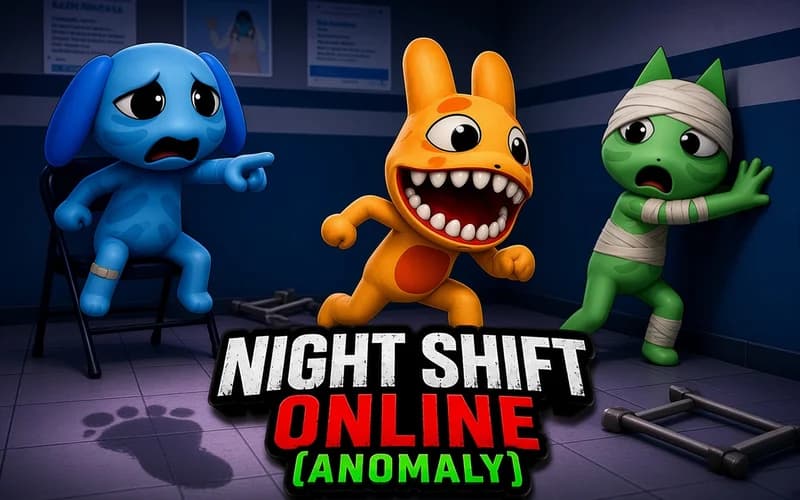
Night Shift Online (Anomaly)
📖 Night Shift Online (Anomaly) About
One night shift, a handful of screens and small changes waiting to be noticed. Night Shift Online (Anomaly) is an observation game built around attention and memory. It opens in your browser with nothing to install.
How to play Night Shift Online (Anomaly)
Your job is watching the security cameras of a building. At the start of the shift you need to study the rooms properly, because a few minutes later things begin to shift. A painting disappears, a door that was never there shows up, a chair in the corridor faces the other way. The game calls these anomalies and asks you to spot and report them.
The best part is the team side. Other players share the same shift and the same camera feeds. One takes the corridors, another watches the storage room. Then you all ask the same question in chat: was that there before? Those uncertain moments are where the fun lives.
Accurate reports earn points and currency. Anomalies you miss simply make the night livelier. Completed shifts unlock new buildings, new observation tools and character customisation, so every successful night leaves you a new reason to return.
Every map has its own layout. Tracking a few rooms in a small office is easy, but larger buildings pile on cameras until team communication becomes essential. As you progress you do not get faster, you get organised: who is watching where, when a room was last checked, which detail is still up for debate. A good shift usually starts with a good plan.
Why kids like it
At heart it is a spot-the-difference game with teamwork layered on top. Curiosity drives it, and the pace stays calm.
Is it safe?
The atmosphere is dark and mysterious, but there is no violence. For players who dislike sudden sounds or unexpected visuals, ages 10 and up is the better fit.
🎯 How to Play
- Join a shift: Enter a room and match up with the rest of your team.
- Learn the rooms: Cycle through every camera at the start and memorise the layout.
- Walk and inspect: Move with WASD, look around with the mouse and interact with E.
- Split the work: Divide the cameras between you so nobody doubles up on the same spot.
- Report: File the change once you find it, and ask a teammate first if you are unsure.
- Spend rewards: Use your earnings on new tools and appearance options.
⌨️ Controls
💻 PC
📱 Mobile
💡 Tips & Tricks
- Do not waste the first sweep: The opening minutes are the best time to memorise every room.
- Pick fixed markers: Choose two or three reference objects per room and compare against those.
- Divide by zone: Splitting floor by floor or corridor by corridor stops the team checking the same spot twice.
- Do not rush a report: A wrong report counts too, so ask for a second pair of eyes first.
- Use the audio: Small hints often arrive through sound before anything shows up on screen.
⚡ Features
- Team-based play: Share the camera feeds with friends and cover more ground.
- Observation puzzle: Catching small changes in familiar rooms is the whole job.
- Reporting system: Correct calls pay out points and currency.
- New buildings: Completed shifts unlock different maps.
- Customisation: Upgrade your look and your observation tools.