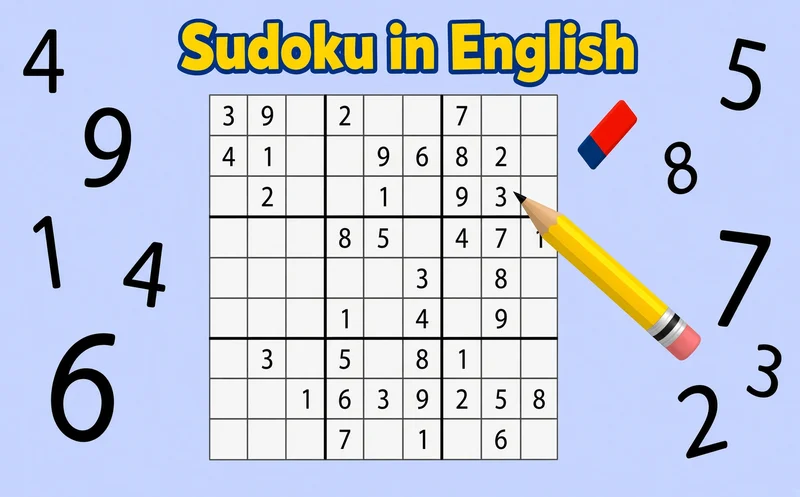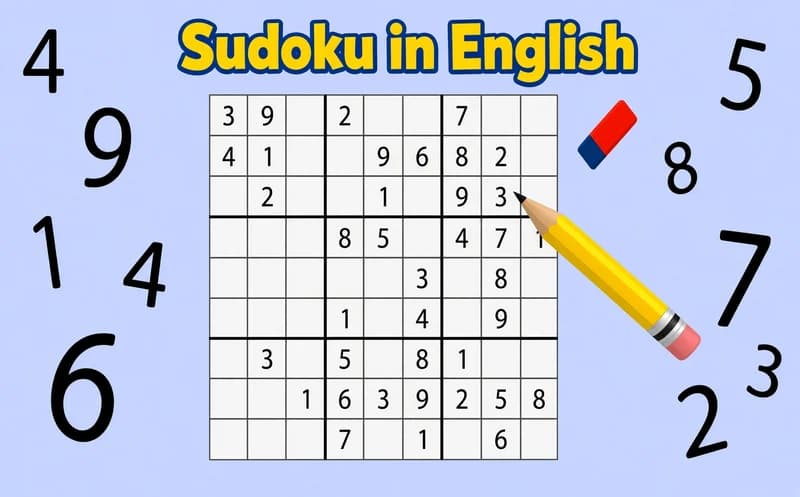
📖 Sudoku in English About
Sudoku in English brings classic 9x9 sudoku to your browser. The interface is in English, but since the game is played with numbers alone, you can solve it comfortably without knowing the language.
About Sudoku in English
Some numbers are already written in the grid, and you fill in the empty boxes. There is just one rule: in every row, every column and every small 3x3 square, each number from 1 to 9 can appear only once. When you write a number in a box, the same number elsewhere on the grid is highlighted, which makes it easy to spot clashes.
For boxes you struggle with, there is a notes mode. In this mode you can jot down a few possible numbers for a box in small print and come back later. Three free hints, undo and an erase button are also at hand. In strict mode you are allowed at most three mistakes; if you turn it off, you play with no limit on mistakes. Starting on easy, then moving to medium and hard is the most natural way.
Why do kids love this game?
Every correct number reveals the next one, and progress becomes clear as the grid fills. The easy level gives a child solving a first sudoku a real feeling of success.
Is this game safe for kids?
Yes. The screen has only a grid of numbers and a few buttons. Because the game saves your progress, you can also come back to an unfinished puzzle later.
🎯 How to Play
- Pick one of the easy, medium or hard levels.
- Click or tap an empty box in the grid.
- Choose the number you think is right from the buttons below.
- Use each number only once in every row, column and 3x3 square.
- In boxes you are unsure about, turn on notes mode and write the possible numbers small.
- If you make a mistake, use the undo or erase button.
- The puzzle is solved when every box is filled according to the rules.
⌨️ Controls
💻 PC
📱 Mobile
💡 Tips & Tricks
- Start with full rows: in rows or columns where most numbers are written, finding the missing number is very easy.
- Look for the single option: if only one number fits in a box under the rules, write it right away.
- Update your notes: after writing a new number, delete it from the notes in the same row and column.
- Use the highlight: seeing all the places of a number on the grid points to the small square where it is missing.
- Save hints for last: three hints are few, and they help most when you are truly stuck.
⚡ Features
- Three difficulty levels: easy, medium and hard puzzles.
- Notes mode: up to nine candidate numbers per box.
- Three free hints: get help where you are stuck.
- Strict and relaxed mode: play with a three-mistake limit or without one.
- Number highlight: the same numbers are marked on the grid.
- Progress saving: an unfinished puzzle is not lost.