Summer Rider 3D
📖 Summer Rider 3D About
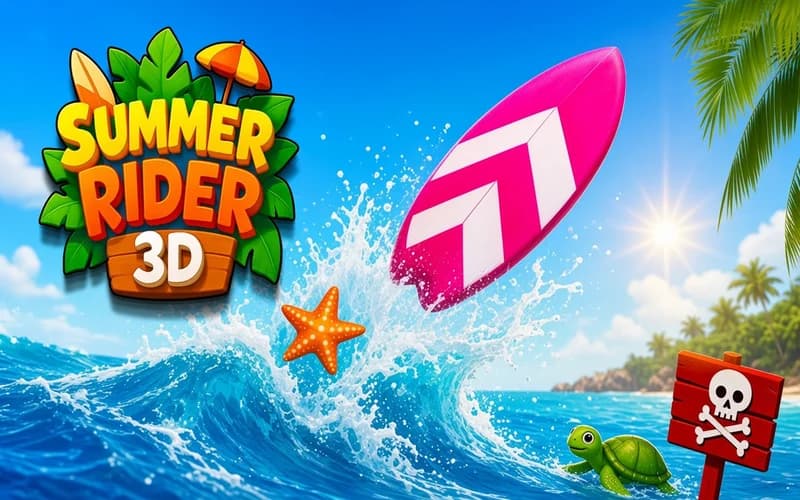
Summer Rider 3D takes endless running out onto the sea. You move across the water on your own, so your job is sliding side to side and slipping past whatever appears ahead. It runs safely in your browser with nothing to install.
How is Summer Rider 3D played?
You change lanes on the water with the direction keys. Starfish appear along the route, and gathering them unlocks new rides. Currents, waves and barriers that pop up without warning keep changing the pace.
Speed climbs over time. A gap you cleared comfortably at the start demands a much sharper turn a few seconds later, which makes reacting early the whole game.
How does two-player work?
The screen splits and two players race on one keyboard. One rides the left side and the other the right. Moving at the same time sharpens the rivalry instantly, because you watch live how long your opponent lasts.
Why kids like it
The summer theme, bright water and tropical soundtrack build a cheerful mood. Controls come down to two directions, so the first round is enough to understand it.
Is it safe?
A completely harmless water-themed runner. There is no violence or frightening scene, and a crash simply restarts you. Suitable for ages 6 and up.
More Adventure Games
If colourful stages and timing-based passages suit you, take a look at these two.
- Skullboy Master — A puzzle adventure about guiding a small character past traps and out of a maze.
- Fireboy and Watergirl 6 — A stage game where two characters work together to gather gems and reach the exit.
🎯 How to Play
- Choose the mode: Pick a solo run or a split-screen two-player race.
- Steer: In solo, use the arrow keys or W A S D.
- Play in pairs: Player one uses W A S D and player two the arrow keys.
- Collect starfish: Stars along the route unlock new rides.
- Slip past obstacles: Aim for the gap rather than the rocks and barriers.
- Change your ride: Once you have enough stars, choose a surfboard or a jet ski.
⌨️ Controls
💻 PC
📱 Mobile
💡 Tips & Tricks
- Slide early: Turning right at the foot of an obstacle ends in a crash, so move a few metres before.
- Favour the middle: Travelling along the edges leaves you an escape on one side only.
- Do not swerve for a star: Chasing a single distant starfish usually ends the run.
- Try the rides: A jet ski is faster while a surfboard turns more sharply.
- Watch your own half: In two-player, glancing at the rival screen breaks your focus.
⚡ Features
- Endless running on water: No finish line, and speed climbs with distance.
- Unlockable rides: Collected stars bring surfboard and jet ski options.
- Split screen: Race a second player on the same keyboard.
- Tropical atmosphere: Bright water, vivid colours and a summer soundtrack.
- Leaderboard: Compare your score with players around the world.