📖 Words from Words About
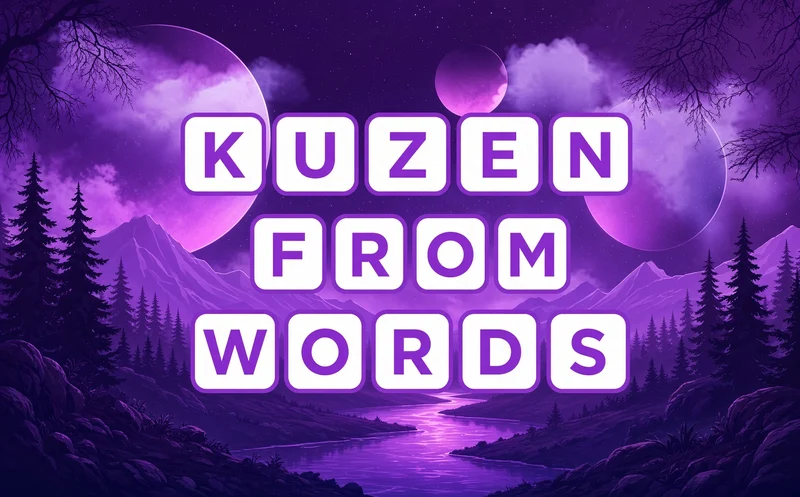
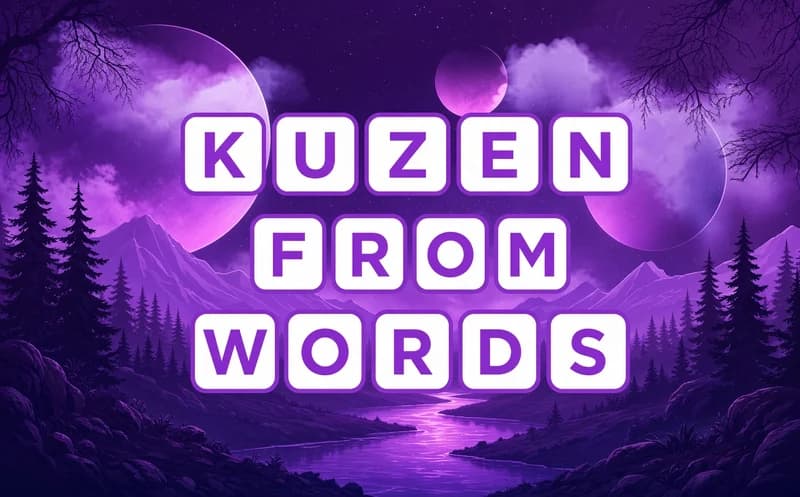
Words from Words gives you one long word and asks a simple question: how many new words can you build from its letters? It opens in your browser, no download needed.
About Words from Words
The letters of the main word sit in a row at the top. You tap them in order to spell a new word, and if it is correct it drops into an empty line in the table. You can use each letter only as many times as it appears in the main word. Tap a word you found and you can read its meaning.
Here is the catch: the game accepts only common nouns. Names, verbs and abbreviations do not count. A short main word may hide a few dozen words, while a long one can hide over a hundred, so filling the last few lines is a real brain workout. The words are English, so it is a great way to grow your English vocabulary.
Why do kids love this game?
Pulling an unexpected word out of another word feels like a small discovery. You can see the table filling up, and when you get stuck, trying a new letter order is often enough. Kids who spot words from their English class feel proud too.
Is this game safe for kids?
Yes. You only see letters, a word table and simple menus, with no moving scenes or fights. There is no countdown timer pushing you, so kids can think at their own pace.
🎯 How to Play
- Look at the letters of the main word at the top.
- Tap the letters one by one to build a new word.
- If the word is right, it lands in an empty line of the table.
- Picked a wrong letter? Clear it and try again.
- Remember that only common nouns are accepted.
- Tap a found word to read its meaning.
- Fill every line in the table and move on to the next word.
⌨️ Controls
💻 PC
📱 Mobile
💡 Tips & Tricks
- Start short: three and four letter words fill up fast and make up most of the table.
- Change the ending: swap the last letter of a word you found to catch a new one.
- Singular and plural: if the main word has an s, try the plural form of the nouns you found.
- Check the line length: the empty lines in the table tell you how many letters to look for.
- Read the meanings: jot down new words and they will help you with later main words.
⚡ Features
- Words inside a word: dozens of new words come out of a single main word.
- English word practice: the game is played with English common nouns.
- Meaning cards: tap a found word to open its definition.
- Rising difficulty: the longer the main word, the more words are hidden.
- No time pressure: think as long as you like in every round.
- Mouse and touch: pick letters by clicking or tapping.