Arrow Shift Logic Tree
📖 Arrow Shift Logic Tree About
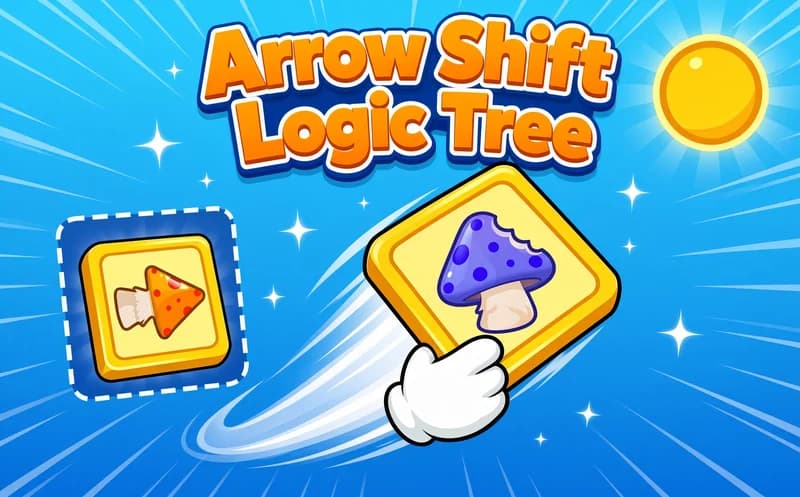
Arrow Shift Logic Tree adds one rule to the sliding puzzle: no piece goes wherever it likes. Wherever the arrow on it points, that is where it can slide, and nowhere else. Free to play in your browser.
About Arrow Shift Logic Tree
The board is laid out like a branching tree; the pieces sit on paths connected to one another. When you slide a piece, the gap you open either clears another piece's way or blocks it. Colours come into play too: you have to bring the pieces that need to match together at the right point.
The character of the game lies exactly in that restriction. In a free puzzle you undo a wrong move; here a wrong slide can lock an entire branch. That forces you to look before you touch. Once you get used to it the flow becomes very satisfying, because the right chain of moves opens up one after another.
Levels are short and designed for a vertical screen, so a phone plays comfortably one-handed. There is no timer, and you can think as long as you like at the start of a board.
Why kids like this game
The rule is one sentence but the outcome needs thought. Opening a board that looked locked by yourself gives a genuine sense of achievement.
Is this game safe for kids?
Yes. No violence, no scary imagery and no audio pressure. The game runs straight in the browser and asks for no sign-up.
🎯 How to Play
- Study the board and note the direction of the arrow on each piece.
- Hold a piece and slide it the way its arrow points.
- Drag with the mouse on a computer; slide with your finger on phones and tablets.
- Pieces only go where the arrow allows, you cannot force them the other way.
- Bring the colours that need to match together at the right spot.
- Think about which gap will open before you lock a branch.
- Completing the board's goal ends the level and opens a new one.
⌨️ Controls
💻 PC
📱 Mobile
💡 Tips & Tricks
- Look before you touch: undoing is not always possible here, so planning is the cheapest move you can make.
- Watch the gap: the empty space on the board is the only thing deciding which piece can move.
- Start at the tip of a branch: the outermost pieces have the fewest connections, so moving them early is safe.
- Match colours, then slide: deciding which pair will meet in advance prevents wasted moves.
- Reset when locked: starting over is almost always faster than wrestling with a jammed board.
⚡ Features
- Direction-restricted sliding: each piece only moves where its arrow points.
- Branching board layout: the pieces sit on interconnected paths.
- Colour matching: you bring the right pieces together at the right point.
- Short levels: a board is solved in a few minutes.
- Vertical layout: comfortable one-handed play on a phone.
- No time pressure: plan for as long as you want.