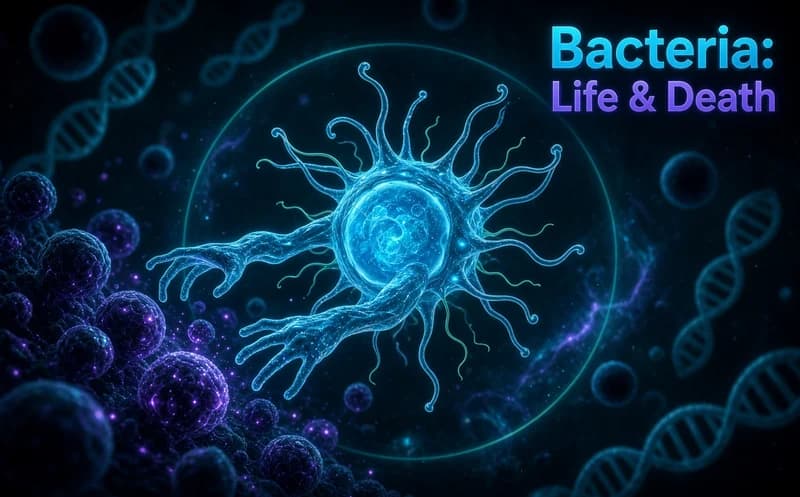
Bacteria: Life & Death
📖 Bacteria: Life & Death About
Bacteria: Life & Death starts with a petri dish. Inside it sits a small colony of microbes, and whether it survives depends on the conditions you set. Free to play in your browser.
About Bacteria: Life & Death
You control three things: food, temperature and the chemicals in the environment. You move the food source with the mouse and the colony spreads toward it. Along the bottom sit heating, cooling and toxin buttons. At the right setting the population multiplies fast; overheat it or keep the food too far away and it shrinks just as fast.
Every stage brings a new variable. Viruses, mutations, sudden temperature swings and chemical spills come into play one after another. That means the setting that worked in one stage falls short in the next. The game does not tell you what to do; you look at the population meter and work it out yourself.
There is no clock rushing you. The rhythm is based on watching: you change a setting, wait for the result, then adjust again. That slow loop makes it the kind of calm game you can leave open in the background.
Why kids like this game
You can see cause and effect directly: press a button and the colony's reaction is on screen straight away. It feels like running a small science experiment.
Is this game safe for kids?
Yes. The microbes are drawn as abstract coloured shapes, with no scary or unsettling imagery. The game runs straight in the browser and asks for no sign-up.
More simulation games
If you like slow-growing games built on observation, the shelf here has more:
- Grow a Garden for Brainrots — a garden simulation you plant, tend and grow step by step.
- Brainrot Park — a colourful management game where you build and develop your own space.
🎯 How to Play
- Move your mouse or finger across the petri dish to carry the food source.
- The colony spreads toward the food, so watch the population rise on the meter.
- Use the buttons along the bottom to switch heating, cooling and toxin controls on and off.
- Click the boosts that appear on screen to activate them.
- If the population meter starts falling, undo the setting you changed last.
- Rebuild the balance according to the virus or mutation the new stage brings.
- Keep the colony alive to move on to the next stage.
⌨️ Controls
💻 PC
📱 Mobile
💡 Tips & Tricks
- Change one variable at a time: shift heat and food together and you cannot tell which one worked.
- Move the food slowly: sudden movements split the colony in two and the spread rate drops.
- Watch the meter: the population bar is your only source of feedback in this game, do not look away from it.
- Use toxin sparingly: clearing the virus also damages the colony, so press it in short bursts.
- Wait at the start of a stage: watching the new variable's effect for one cycle beats intervening blindly.
⚡ Features
- Three control axes: food, temperature and chemical settings.
- A new variable per stage: viruses, mutations and temperature swings.
- Population meter: shows the result of every change you make right away.
- Boosts: supports that help you hold the colony steady.
- No clock: the play is entirely at your own pace.
- Plays the same on mouse and touch screens.