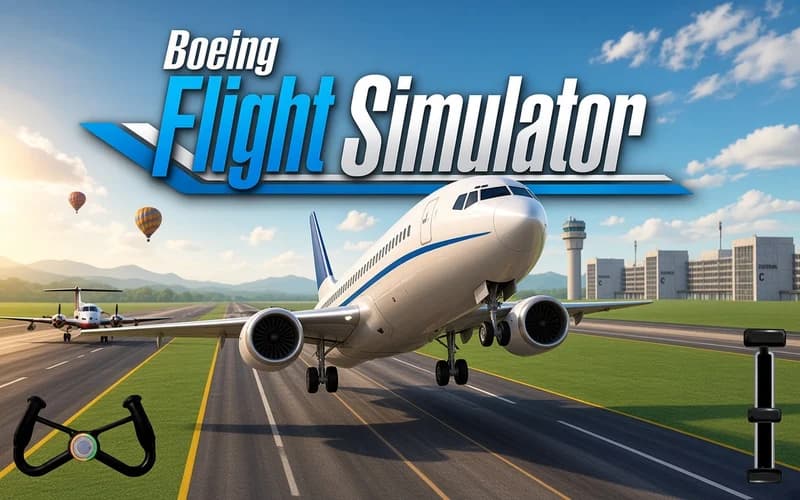
Boeing Flight Simulator
📖 Boeing Flight Simulator About
You are sitting at the head of the runway with the engines ready. Boeing Flight Simulator is a 3D flight game that teaches you to fly an airliner step by step. Open the page, let the cockpit load, and the first mission is waiting.
How does Boeing Flight Simulator play?
Every flight starts with taxiing. You line up on the runway, build speed and lift off once the nose is high enough. What follows is calmer: you track the checkpoints along the route while balancing altitude and speed. Climb too steeply and the plane bleeds speed; fly too low and the mission goes off track.
The hardest part is the landing. Once the runway comes into view you need to shed speed gradually, deploy the landing gear and use the brakes as the wheels touch down. A rushed approach almost always ends with an overshoot, while a well-timed landing is the most satisfying moment in the game.
As missions progress the routes get longer, and weather plus fuel management come into play. Patience pays off here far more than speed.
Why kids like it
Sitting in a cockpit is exciting all by itself. The controls come down to four direction keys, so nothing looks complicated, yet a clean landing leaves a real sense of achievement.
Is it safe?
A completely calm flying experience. No violence, no frightening scenes and nothing unsettling. Suitable for all ages.
More Driving Games
If you want a similar sense of control behind a wheel, take a look at these.
- Offroad Animal Truck Transport Simulator 2020 — Carry animals by truck across mountain roads and complete the delivery.
- Offroad Mountain Driving 2024 — Realistic 4x4 driving on muddy, snow-covered mountain roads.
- Extreme Mega Ramp Car Stunts — Launch off giant ramps and rack up points with mid-air rolls.
🎯 How to Play
- Take off: Lift the nose with W or ↑ and get the plane airborne.
- Descend: Lower your altitude with S or ↓.
- Steer: Turn with A and D or the left and right arrow keys.
- Follow the route: Pass the on-screen checkpoints in order.
- Deploy the gear: Press the landing gear button as you approach the runway.
- Brake: Slow the aircraft with the brake button once the wheels are on the runway.
⌨️ Controls
💻 PC
📱 Mobile
💡 Tips & Tricks
- Move gently: Correct with short taps instead of holding a key so the plane keeps its balance.
- Descend early: Do not leave the descent until the last moment; start coming down from a distance.
- Watch your speed: Deploying the gear at high speed makes for a rough touchdown.
- Do not over-pitch: A very steep climb costs speed, so gain altitude gradually.
- Mind the fuel: On long routes avoid needless manoeuvres, since level flight preserves fuel.
⚡ Features
- 3D cockpit view: A camera angle that sells the feeling of flying an airliner.
- Full flight cycle: Taxi, take-off, route tracking and landing in one mission.
- Checkpoints: A target system that shows the route step by step.
- Gear and brakes: Separate buttons that follow the real order of operations.
- Progressive missions: Longer routes bring more details to manage.
- Simple controls: Four direction keys and two buttons cover the whole flight.