Melon Playground
📖 Melon Playground About
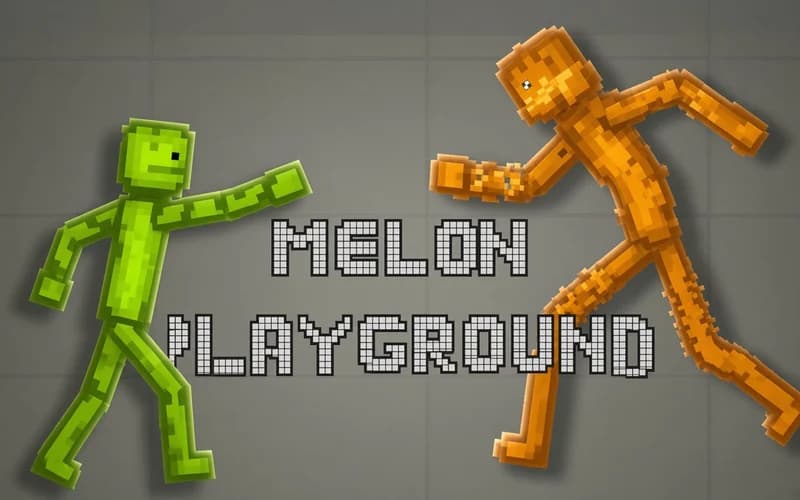
You set the rules here. Melon Playground is a sandbox game where you drop objects onto an empty map and watch what happens. It runs safely in your browser with nothing to install.
About Melon Playground
You get a stage and a packed inventory. Vehicles, characters, platforms, bouncing balls... Pick whatever you want and drop it wherever you want. Then the physics engine takes over: objects fall, collide and push each other around. One small nudge sometimes turns into a very long chain reaction.
There are no rivals and no timer. That makes the game feel more like a workshop than a race. In one scene you can build a huge tower and knock it down, in the next you can design something completely calm. Different maps bring different surfaces and obstacles, so the same setup rarely gives the same result twice.
Trial and error is the heart of it. Weight, drop height and angle change the outcome completely. Ragdoll characters tumble a little differently every time, which is exactly why you keep pressing restart.
Why kids like it
There is no wrong answer. Kids build their own idea, see the result instantly and wipe the scene clean if they do not like it. That freedom feeds creativity.
Is it safe?
The art style is cartoonish and mild. Nothing scary shows up; the results are funny and driven purely by physics.
More action games
If physics and ragdoll mechanics are your thing, these are worth a look:
- Ragdoll Fall Down — A physics-based mini shooter where you calculate angles and let bullets bounce off objects.
- Stickman Archer Kick — An aiming puzzle where a bow sends stick figures flying across each level.
- Building Mods For Minecraft — A fast action-adventure where you build structures in a block world and explore.
- Lurkers.io — An .io game about gathering resources and fighting in a fully destructible pixel world.
🎯 How to Play
- Pick a map: Open a city, outdoor or indoor stage.
- Open the inventory: Choose an object collection from the side menu.
- Drag and drop: Grab an object with the mouse and place it anywhere on the map.
- Start the physics: Hit play so objects begin to fall and collide.
- Rearrange: Clear a scene you do not like, change the angle and try again.
⌨️ Controls
💻 PC
📱 Mobile
💡 Tips & Tricks
- Play with height: Dropping the same object from higher up gives a very different result.
- Start small: Fill the scene too early and you cannot tell which piece caused what.
- Surfaces matter: Sloped ground speeds up a chain reaction.
- Build a sequence: Line objects up like dominoes so one trigger runs the whole scene.
- Save what works: Take a screenshot before you break a setup you like.
⚡ Features
- Huge inventory: Hundreds of objects across ten separate collections.
- Real-time physics: Weight, collision and momentum calculated instantly.
- Multiple maps: Switch between city, outdoor and indoor stages.
- Unlimited retries: Clearing a scene and starting over takes one button.
- No score pressure: Build whatever you like at your own pace.