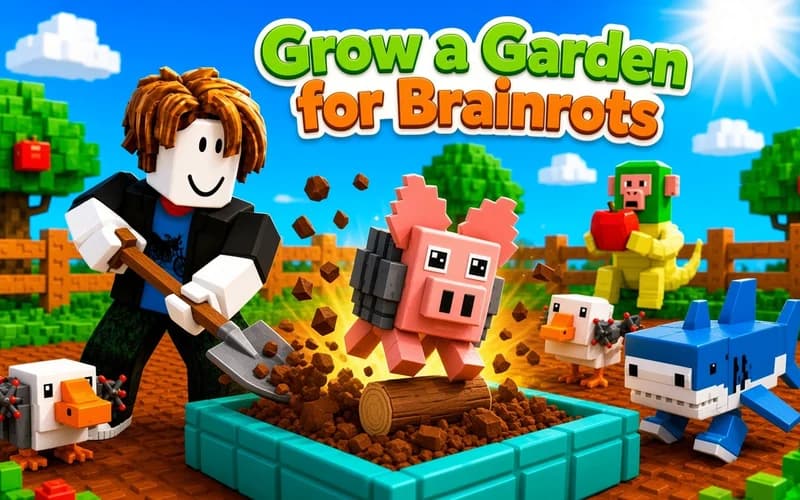
Grow a Garden for Brainrots
📖 Grow a Garden for Brainrots About
A small garden, a few empty beds and a bag full of odd seeds. Grow a Garden for Brainrots is a calm idle game about planting, harvesting and slowly expanding your land. It opens safely in your browser with nothing to install.
What kind of game is Grow a Garden for Brainrots?
The loop is clear: walk to an empty bed, plant a seed and wait for it to mature. Growth continues while you are busy elsewhere, so several harvests are usually ready by the time you come back. You collect them, sell them, and spend the coins on faster beds, rarer seeds and new zones.
Upgrades shape your progress. Bed upgrades raise growth speed and crop rarity, income boosters multiply the coins each sale brings in, and speed boosts get you around the garden quicker. Unlocking zones widens the planting area and expands your collection.
Why kids enjoy it
Nothing can be lost and no timer runs. Every round means a few more coins and a slightly bigger garden. Deciding which upgrade deserves your money first turns into a small strategy exercise.
Is Grow a Garden for Brainrots safe for kids?
Yes, it stays calm and colourful throughout. There is nothing unsettling, no competition and no countdown. Because it rewards patience and simple arithmetic, it suits primary school players especially well.
More Simulation Games
If you like relaxed games about building something up, these two work nicely too.
- Offroad Animal Truck Transport Simulator — Drive animals along mountain roads and deliver them safely.
- Dentist Doctor Makeover — Run a small clinic and freshen up every smile.
🎯 How to Play
- Find an empty bed: Walk around with W A S D and pick a free patch.
- Plant a seed: Stand at the bed and press E to place your chosen brainrot seed.
- Wait for it to grow: The crop matures on its own, so keep planting other beds meanwhile.
- Collect the harvest: When it is ready, come back and press E to pick it up.
- Take it to the counter: Carry your crops to the selling point and turn them into coins.
- Upgrade: Press Q in front of a bed to boost growth speed and rarity.
⌨️ Controls
💻 PC
📱 Mobile
💡 Tips & Tricks
- Upgrade beds first: Strengthening what you already own multiplies coins faster than unlocking a new zone.
- Buy speed early: As the garden grows, walking distance becomes your real time sink.
- Stagger your planting: Sowing beds in sequence rather than all at once keeps harvests steady.
- Save the income booster: Bought after rare seeds unlock, the multiplier pays back far more.
- Step away and return: Crops keep growing, so a full garden waits when you come back.
⚡ Features
- Idle growth: Plants keep maturing even while your attention is elsewhere.
- Bed upgrades: Raise both growth speed and the rarity of what you harvest.
- Income boosters: Multipliers that increase the coins every sale delivers.
- Expanding garden: New zones widen the space you can plant on.
- Nothing to install: Runs in the browser on desktop and mobile.