10 Blocks
10 Blocks
📖 10 Blocks About
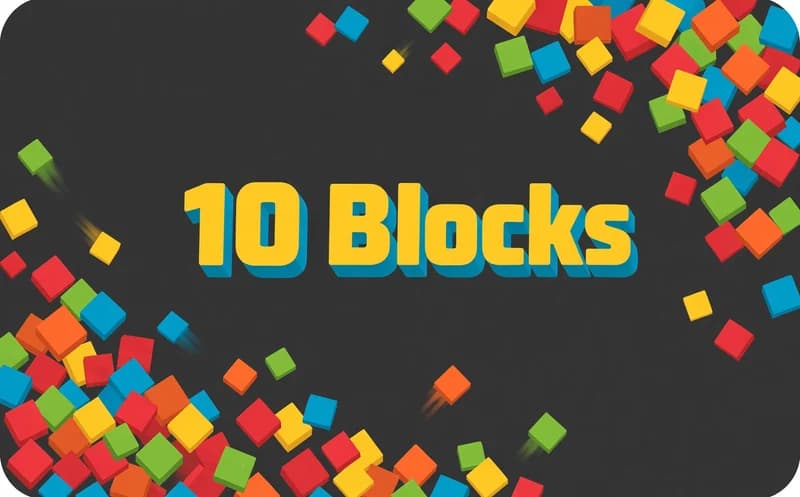
10 Blocks is a brain puzzle built around block placement. You clear rows before the board fills up. Free to play in your browser.
About 10 Blocks
Each round you're given a few differently shaped blocks and you place them on the board. When a row or column fills up completely, that line clears and frees up space.
Here's the catch: you can't rotate the blocks. You have to place each shape exactly as it's given, so filling space without thinking about your next move locks up the board fast. A one-time gravity button pulls the blocks down when you're stuck.
Why do kids love this game?
The rule clicks in a minute, but playing well takes planning. When a row clears, the board visibly opens up.
Is this game safe for kids?
Yes. There are just colorful blocks and a grid on screen; no violence or disturbing content.
🎯 How to Play
⌨️ Controls
💻 PC
WASD
Move
SPACE
Action / Jump
📱 Mobile
👆
Tap & drag
💡 Tips & Tricks
- Fill from the edges: starting in the middle splits the board in two, while filling from the edges inward keeps you more flexible
- Think about all three blocks at once: looking only at the block in hand is misleading — you need a layout where all three will fit
- Save space for big blocks: keeping an empty row free for long pieces stops them from getting stuck in your hand
- Save the gravity button for later: since it's a one-time use, it's far more valuable when saved for the moment you're truly stuck
- Don't leave holes: single-square gaps trapped between blocks can't be filled later and slowly choke the board
⚡ Features
- Block placement: fit the given shapes onto the grid
- No rotation: blocks are used exactly as they're given
- Line clearing: filled rows and columns disappear
- Gravity button: pulls the blocks down once per round
- No time pressure: take as long as you like to think
- Works on every device: playable with mouse or touch controls
❓ Frequently Asked Questions
Yes, the game is completely free. No download or membership is needed — when you open the page in your browser, the board loads right away and you can start playing immediately, as long as you have an up-to-date browser.
No, that's the game's most important restriction. You have to place each shape exactly as it's given, so filling space without first thinking about where each block will fit locks up the board very quickly.
It ends when none of the blocks in your hand fit anywhere on the board. That means saving open space for large pieces matters just as much as clearing rows when it comes to staying alive.
It pulls the blocks on the board downward, opening up free space at the top. Since it can only be used once per round, save it for a moment you're truly stuck rather than using it while things are comfortable.
Seven and up. There's nothing on screen but colorful blocks and a grid. There's no blood or anything disturbing at all — the whole game is built around simple mechanics and easy, straightforward controls for kids.