📖 Climb and Jump - Obby Tower About
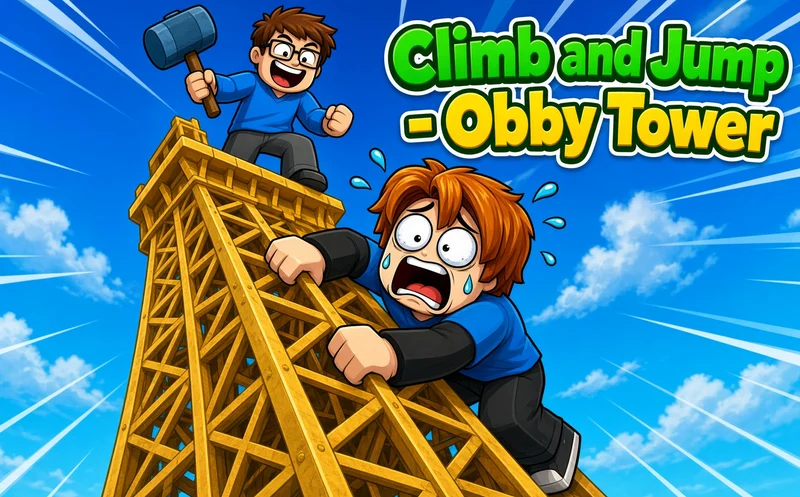
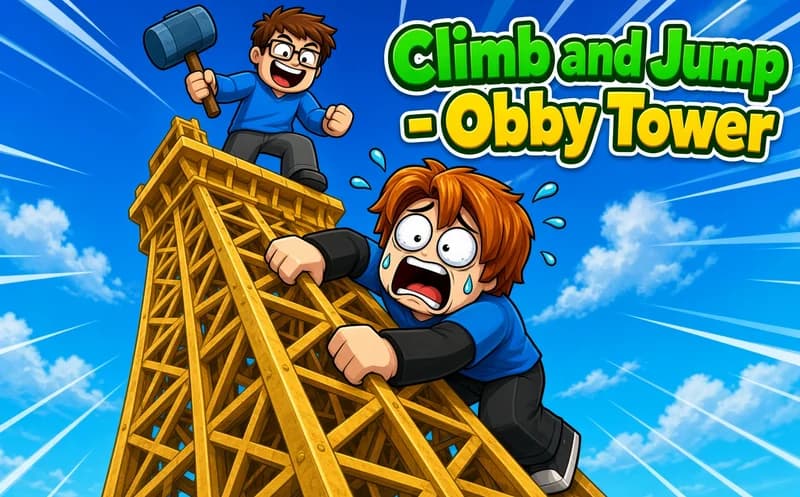
Climb and Jump - Obby Tower is a climbing game with a Roblox feel. The goal is simple: climb as high up the tower as you can and then make a big leap from there.
About Climb and Jump - Obby Tower
Your character starts at the foot of the tower and rises as you climb. At some point you jump down; the higher you jump from, the more gold you earn. That gold is the engine of the game: with wings you climb faster, and the faster you climb, the higher you get and the more you earn.
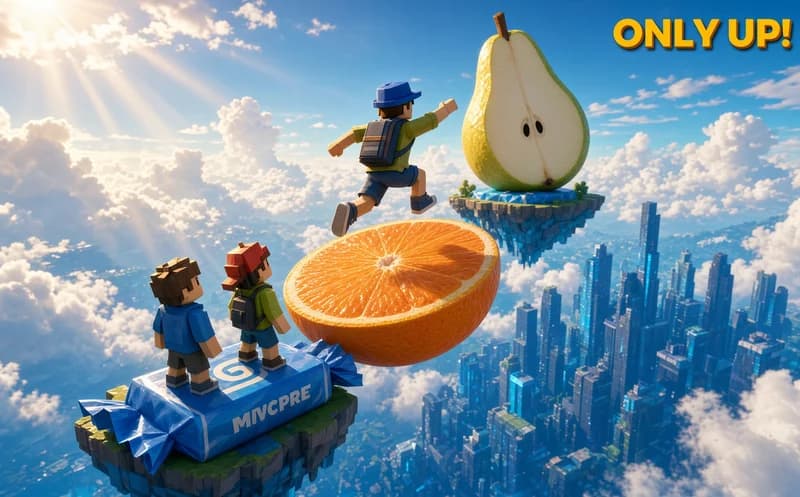
Pets add a second layer to this loop. The pets you bring along support your climb and your earnings; as you collect and upgrade epic and legendary ones, the top of the tower gets closer and closer. The real decision is whether to spend your gold on new wings right away or on pets.
Why do kids love this game?
Getting a little higher than last time on every round is visible progress. Seeing other players climbing around you makes the tower feel crowded and lively.
Is this game safe for kids?
Yes. There is no fighting in the game, and characters only climb and jump. Falling from a height is not a penalty here; on the contrary, it is the move that earns you gold.
🎯 How to Play
- On a computer, walk with WASD or the arrow keys.
- Jump with the space bar.
- Hold the right mouse button to look around.
- On a phone, walk with the joystick and jump with the button at the bottom right.
- Climb as high up the tower as you can.
- When you are high enough, jump down and collect the gold.
- Buy wings and pets with the gold to power up your next climb.
⌨️ Controls
💻 PC
📱 Mobile
💡 Tips & Tricks
- Buy wings first: spending your first gold on wings raises your climbing speed, which makes every round shorter.
- Watch for rare pets: epic and legendary pets give more support than common ones, so save your gold and aim for them.
- Turn the camera: changing the angle with the right button makes it easier to see the path ahead.
- Climb a bit more: since height decides your earnings, going up a few more steps before jumping makes the reward bigger.
- Use the joystick gently: on a phone, small thumb movements give a more controlled climb than pushing it all the way.
⚡ Features
- Climb and jump: the higher you go, the bigger the reward.
- Gold economy: every jump turns into new upgrades.
- Wings: they raise your climbing speed.
- Pets: collect epic and legendary helpers.
- Crowded tower: other players are climbing around you.
- Computer and mobile: played with a keyboard or a touch joystick.