📖 Fish Dive About
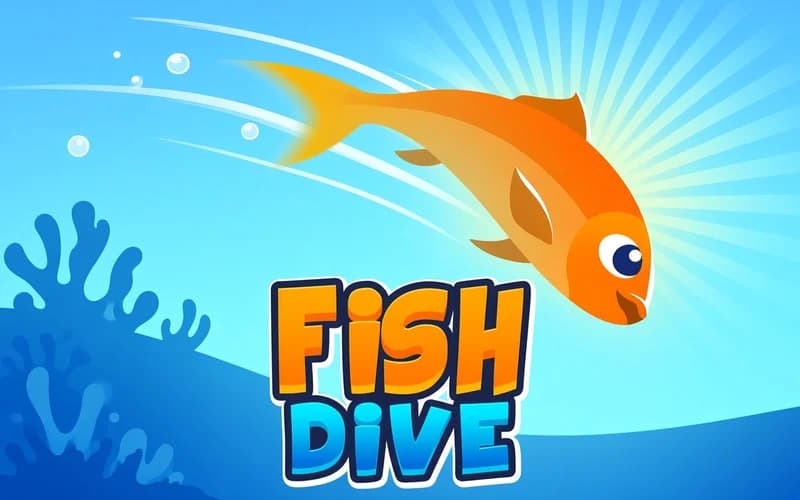
The ocean floor is busier than it looks. Fish Dive is an endless arcade run where you drop a small fish into the current and slip through every obstacle in its path. It opens safely in your browser with nothing to install.
About Fish Dive
The whole game rests on a single move. The fish swims forward on its own, and you only decide when it rises and when it dives. Rocks, spiked coral and narrow gaps arrive one after another. The first seconds feel easy, then the speed climbs and the openings shrink. Touch anything and the run ends, your score appears, and you start over. Every metre you clear turns into points, so the goal stays simple and demanding: swim a little further than last time. Other sea creatures unlock as well, and each one glides a bit differently.
Why kids enjoy it
Nobody has to read rules first. The fish starts swimming the moment the screen loads, and a child works out the controls on the very first try. Short runs and instant restarts make it a good fit for a few spare minutes.
Is it safe?
Yes. There are no scary scenes or harsh visuals, just a colourful, calm underwater world. Younger players can open it without any worry.
More Arcade Games
If short reflex runs are your thing, these three belong on your list too.
- Stickman Jump: a stripped-down runner about jumping over spikes at exactly the right moment.
- Gulper.io: a multiplayer snake arena where you swallow glowing food and grow.
- Aliens.io: a fast .io game where you fly a UFO and grow by scooping everything up.
🎯 How to Play
- Start swimming: The fish moves forward by itself once the page loads, so you only set its height.
- Rise: Tap the screen or press Space and the fish glides upward.
- Dive: Release the key and the fish sinks, which is how you clear the narrow gaps.
- Read the obstacles: Keep clear of rocks, coral and sharp edges, since one touch ends the run.
- Stretch the distance: Every metre becomes points, and your record sits at the top of the screen.
⌨️ Controls
💻 PC
📱 Mobile
💡 Tips & Tricks
- Short taps: Holding too long pins the fish to the ceiling, so nudge it and stay near the middle line.
- Look ahead: Watch the right edge of the screen instead of the fish, because that is where obstacles enter.
- Stay calm at speed: When the tempo rises, tap less often, since panic taps end in a crash.
- Centre the gaps: Aim for the exact middle when you pass between two obstacles, as the edges do not forgive.
- Try a new creature: Each unlocked sea animal glides slightly differently, so find the one that suits you.
⚡ Features
- Endless run: There is no finish line, only the score you set last time.
- One finger control: Hold and release, and you have learned it in seconds.
- Rising difficulty: Speed climbs and gaps tighten the further you swim.
- Different sea creatures: You can swim as animals other than the starting fish.
- Instant restart: After a crash you drop straight into a fresh run.