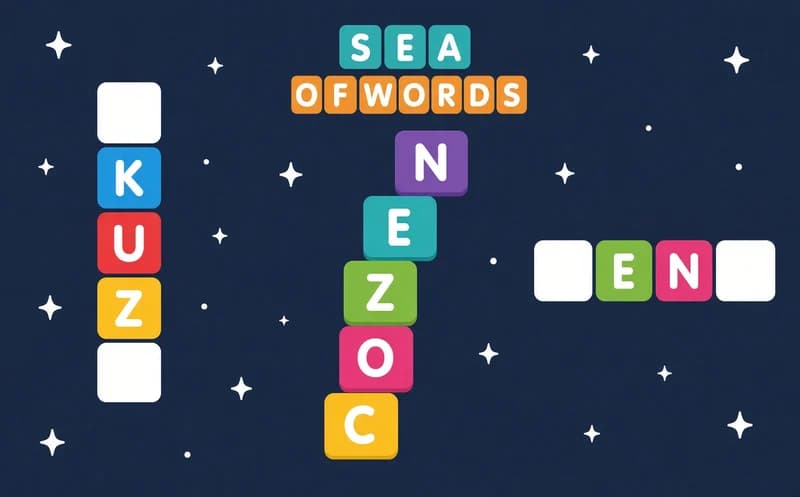
Sea of Words
📖 Sea of Words About
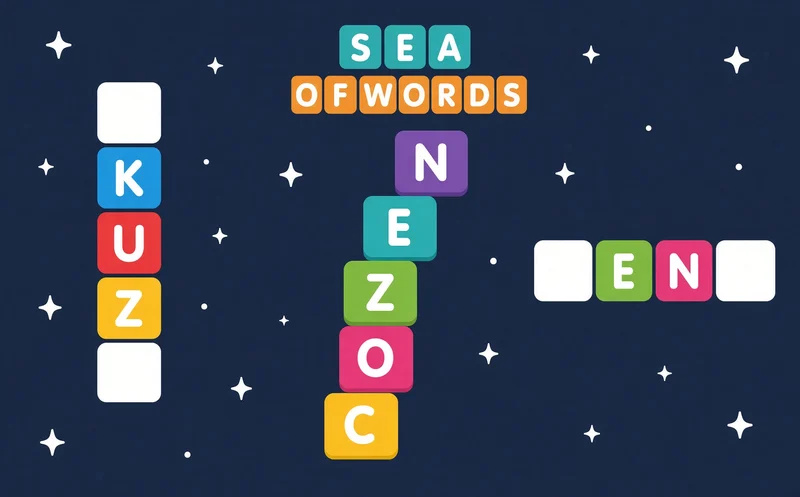
Sea of Words is a calm word puzzle about linking letters into words. The first level opens right away, and there is nothing to download.
About Sea of Words
A few letters sit in a circle at the bottom of the screen. Slide your mouse or finger across them and let go, and you have spelled a word. If it is right, it drops into its spot on the word grid above. Fill every box and the level is done.
The words are in English, so the game doubles as vocabulary practice for kids who are learning the language. Early levels start with short words of three or four letters. Later the circle gets more letters and the same letters make more words. That is where the real challenge starts: count the empty boxes and work out which word is still missing.
Why do kids love this game?
Every word you find lands in the grid at once, so you can see your progress. If you get stuck, a hint reveals one letter and keeps you going. There is no timer, so nobody rushes you.
Is this game safe for kids?
Yes. The screen shows only the letter circle and the word grid. There are no opponents and no chat, just a child hunting for words at their own pace.
🎯 How to Play
- Start the game and wait for the first level to load.
- Look at the circle of letters at the bottom of the screen.
- Slide across the letters with your mouse or finger to draw a word.
- Release, and the word is checked. If it is right, it lands in the grid.
- Count the boxes in the grid to see how long the missing word is.
- If you get stuck, use the hint button to reveal a letter.
- Fill the whole grid to move on to the next level.
⌨️ Controls
💻 PC
📱 Mobile
💡 Tips & Tricks
- Start short: three-letter words come quickly, and the letters they reveal point you toward the long ones.
- Try plurals: adding an S to an English word often gives you a new word.
- Check the crossings: if you know the letter where two words meet, the other word gets easier to guess.
- Save your hints: do not spend them on short words, use them on the longest, hardest one.
- Note new words: if you do not know a word, write it down and look it up. It turns the game into a mini lesson.
⚡ Features
- 2000+ levels: they slowly get harder, from short words to long ones.
- Letter circle: build words with one swipe across the letters.
- Hint system: reveal a letter when you are stuck.
- Evolution stages: a 20-stage progress path unlocks as you play.
- No time limit: every level lasts as long as you like.
- English practice: grow your vocabulary while you play.