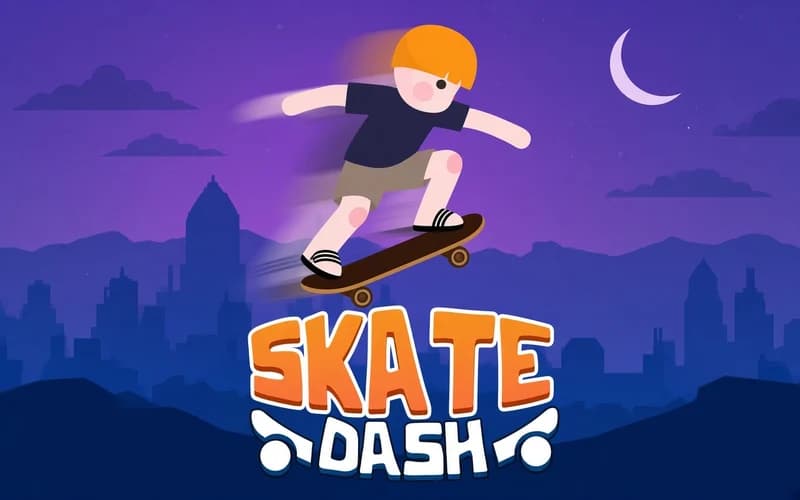
📖 Skate Dash About
Wheels under your board and a long course ahead. Skate Dash is a quick sports game where you guide a young skater through stages full of ramps, rails and gaps. It runs in your browser with nothing to install.
About Skate Dash
Every stage sits on a different surface. You build speed on flat asphalt, take off from ramps and hold your balance on narrow rails. A mid-air trick earns points, but the landing is what really counts: if the wheels do not meet the ground cleanly, you start the course again.
As the stages go on, the gaps widen, obstacles come closer together and speed matters more. Enter a ramp too slowly and you fall short; hit it too fast and your landing angle goes wrong. That balance is the best part of the game, because the moment you find the right speed a stage turns into a smooth run.
Why kids enjoy it
The controls click in the first stage and progress stays visible. Each new course brings a slightly different setting, so nothing feels repetitive. Landing a clean spin feels like an achievement on its own.
Is this game safe
It is. Falls are cartoon-style and there is nothing frightening or harsh on screen. Players aged 7 and up can enjoy it, and it is a good pick for building timing and balance.
More Skill Games
If you like the ramp-and-spin rhythm, these two games on the site sit close to the same feeling.
- Moto X3M Pool Party — the summer chapter where you flip your bike across beach-themed tracks.
- Extreme Mega Ramp Car Stunts — a 3D stunt course about flying off huge ramps and spinning for points.
🎯 How to Play
- Speed up: Accelerate with → or D and slow down with ←.
- Jump: Press Space to launch off a ramp or hop over an obstacle.
- Spin: Hold the arrow keys in mid-air to rotate the board and collect points.
- Land clean: Level the board out before touchdown, since a bad angle means a fall.
- Finish the stage: Reach the line at the end of the course to unlock the next one.
⌨️ Controls
💻 PC
📱 Mobile
💡 Tips & Tricks
- Hit ramps fast: Only enough speed carries you across the wider gaps.
- One spin is plenty: Chasing extra rotations on short jumps ruins the landing angle.
- Straighten up early: Level the board a moment before you reach the ground.
- Use the rails: Grinding shortens the route and adds extra points.
- Learn the course: Treat the first attempt as a scouting run, then you know where to accelerate.
⚡ Features
- Varied terrain: Asphalt stretches, ramps and rail sections take turns.
- Air tricks: Flips and spins add to your score.
- Rising challenge: Gaps grow wider and obstacles get denser.
- Short stages: Each course wraps up in a few minutes.
- Simple controls: Accelerate, jump, spin, land.