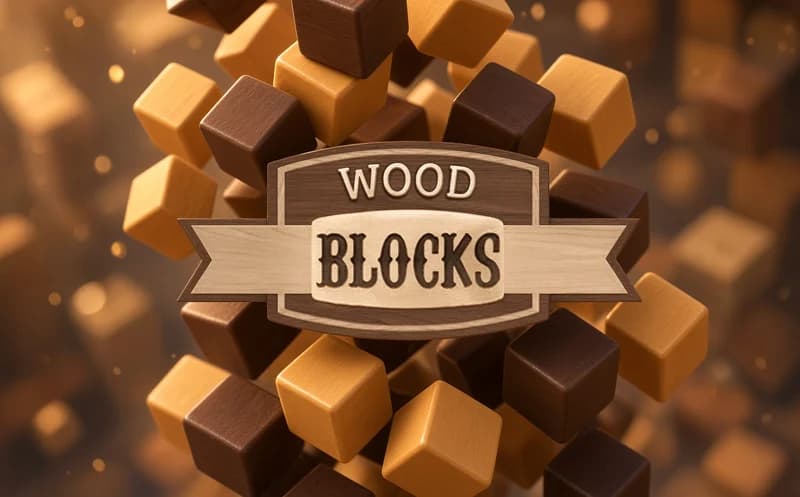
📖 WoodBlocks About
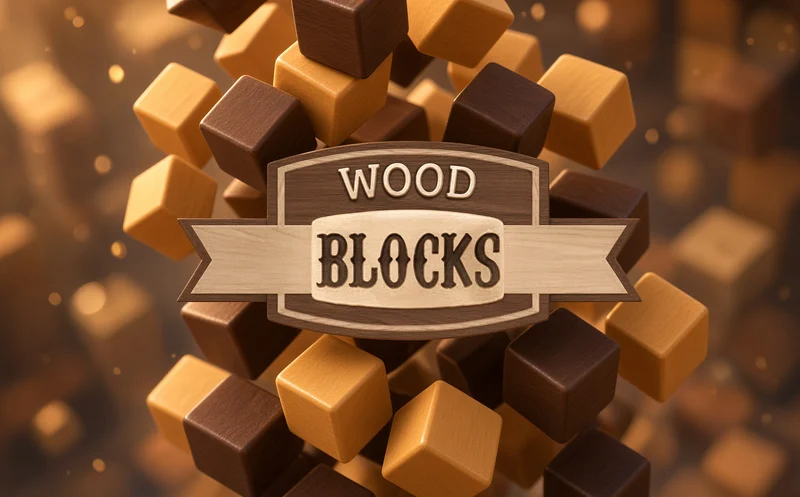
WoodBlocks is a classic block puzzle played on a 10x10 board with wooden shapes handed to you one set at a time. The aim is to keep scoring as long as possible without clogging the board. It opens in your browser.
About WoodBlocks
A few shapes appear at the bottom of the screen: single squares, straight bars, L pieces, big squares. You drag them to any empty spot on the board. When a row or column is completely full, it clears and space opens up again. You cannot rotate the shapes, so you have to place them just as they come.
The real challenge is thinking ahead. A small square dropped in the middle of the board can leave no room for a big piece a few turns later. That is why good players save one corner for large shapes and try to clear two lines at once. When no shape fits, the game ends and you start over to beat your best score.
Why do kids like this game?
Dropping one piece and watching two lines vanish at once becomes a small goal kids chase. Wood-look blocks and one-motion dragging make the game suit small hands too.
Is this game safe for kids?
Yes. The screen only shows the board, wooden blocks and the score. With no characters or story, the game works like a calm thinking exercise.
🎯 How to Play
- Look at the wooden shapes that appear at the bottom of the screen.
- Pick up a shape with the mouse or your finger.
- Drag it to an empty spot on the board where it fits.
- Try to fill a row or column completely.
- A filled line clears and opens up space on the board.
- When you place all the shapes in hand, new ones arrive.
- Keep scoring until no shape fits anymore.
⌨️ Controls
💻 PC
📱 Mobile
💡 Tips & Tricks
- Reserve room for the big square: always leave a gap on the board for a 3x3 piece.
- Fill from the edge: keeping the middle open gives every shape flexibility.
- Chase double clears: clearing two lines in the same move eases the board all at once.
- Save single squares: small pieces are the best tool for plugging scattered holes.
- Place the hard shape first: of the shapes in hand, put down the one that is hardest to fit first.
⚡ Features
- 10x10 board: a simple, roomy play area.
- Varied shapes: bars, L pieces and squares.
- Row and column clearing: every filled line is wiped.
- No rotation: pieces go in as they come, so planning matters.
- Score record: try to beat your best result every game.
- Easy controls: drag and drop with a mouse or touch screen.